Imaging Protocol
This page describes how images are captured for atopic dermatitis clinical trials using Legit.Health, and how a single standardised capture set produces both SCORAD and EASI. It also covers image quality control, patient preparation, and site standardisation.
The example images on this page are synthetic dermatology imagery used for illustration; they are not patient records.
Image capture hardware compatibility
Smartphone-based capture
Legit.Health uses standard smartphone cameras for image acquisition. No specialised photography equipment is required.
Traditional clinical photography often relies on dedicated imaging systems, which require per-site hardware, per-site calibration, and significant rental or purchase costs. Smartphone-based capture eliminates these costs while maintaining the image quality needed for AI scoring.
The Legit.Health mobile application guides investigators through the capture process with visual perspective silhouettes, real-time DIQA quality checks, and immediate feedback on image adequacy.
Camera-based capture
Smartphones are the default input, but they are not the only one. The same AI also scores images from professional, camera-based photography systems, which capture higher-resolution, more consistent images than a smartphone. Sponsors that already run standardised imaging at their sites can keep that setup and still obtain automated Legit.Health endpoints.
For studies that require standardised photography hardware, Legit.Health partners with QuantifiCare, a specialist in standardised 2D and 3D clinical imaging for dermatology trials.
DIQA: Dermatology Image Quality Assessment
What is DIQA?
DIQA (Dermatology Image Quality Assessment) is an AI-powered image quality assessment algorithm that evaluates every captured image in real time before it is accepted for analysis. It was developed by Legit.Health and published in the Journal of the American Academy of Dermatology (Hernández Montilla et al., 2023).
What DIQA evaluates
| Quality dimension | What it checks | Why it matters |
|---|---|---|
| Focus | Sharpness of the image; absence of motion blur | Out-of-focus images can obscure small lesions, leading to undercounting |
| Lighting | Adequate, even illumination; absence of harsh shadows or glare | Poor lighting creates shadows that mimic or hide lesions |
| Framing | Correct anatomical region captured at the required angle | Incorrect framing means the AI analyses the wrong area |
| Resolution | Sufficient pixel density for lesion detection | Low resolution makes small features undetectable |
How it works in the workflow
- The investigator or patient captures an image through the mobile application
- DIQA evaluates the image immediately (sub-second processing)
- If the image passes: it is accepted and queued for AI scoring
- If the image fails: the person capturing the image receives immediate feedback explaining the quality issue and must recapture
The DIQA pass/fail threshold is configurable per study protocol. Sponsors can choose stricter thresholds for pivotal studies (rejecting more images to ensure the highest quality) or more lenient thresholds for real-world evidence studies.
Pose and framing verification
Beyond image quality, the platform verifies that the patient is positioned according to the protocol for each perspective. Using body and pose detection, it confirms that the correct region is framed and oriented as the on-screen silhouette requires. If the body does not match the instructions, the image is rejected in real time and the user is prompted to recapture, before the photograph is ever submitted for scoring.
This keeps every perspective in the capture set consistent and comparable across visits and sites, which reduces protocol deviations and prevents mispositioned or unusable images from surfacing as missing data at database lock, including in decentralised, patient-led capture.
Click on the buttons to open the camera or to upload a file.
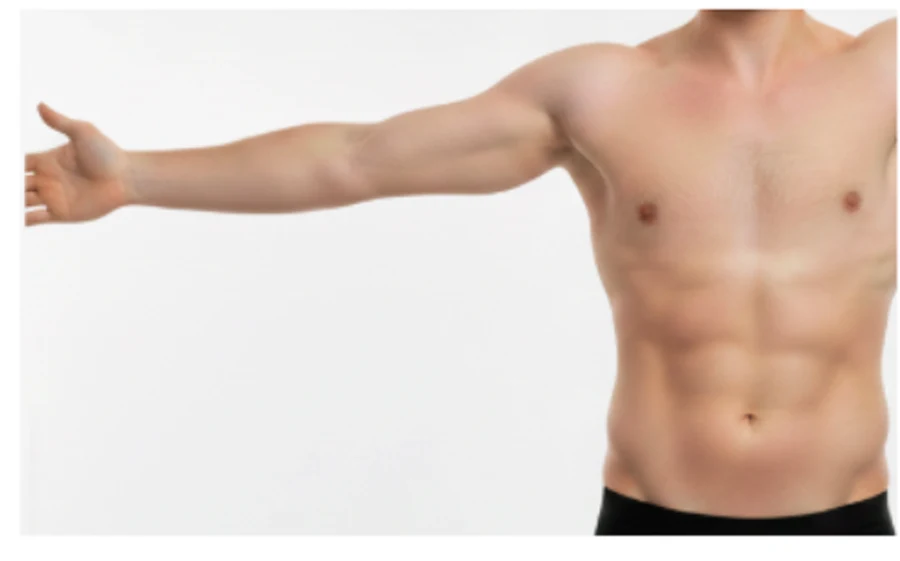
The app rejects a mispositioned capture in real time and prompts the user to recapture.
Standard capture protocol
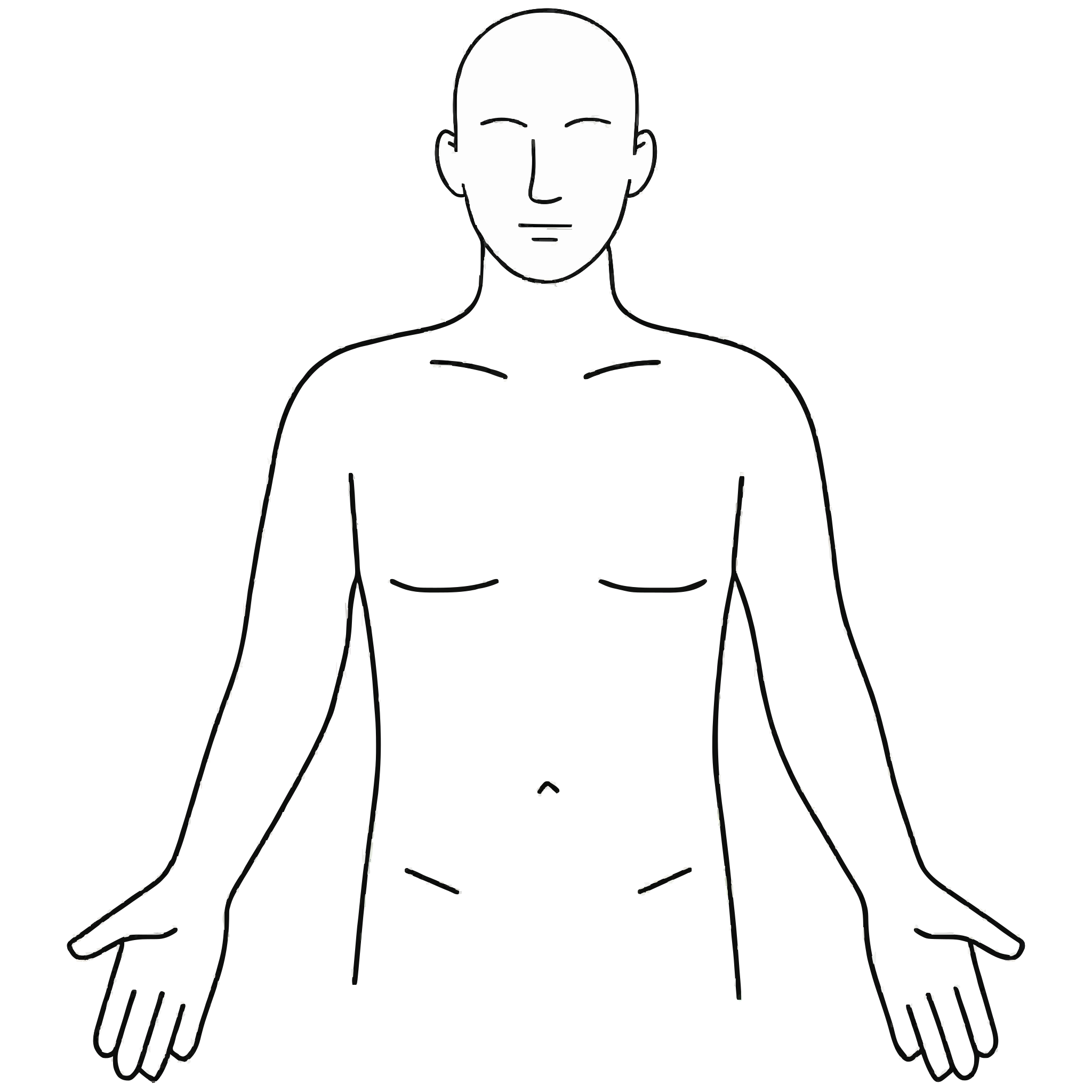
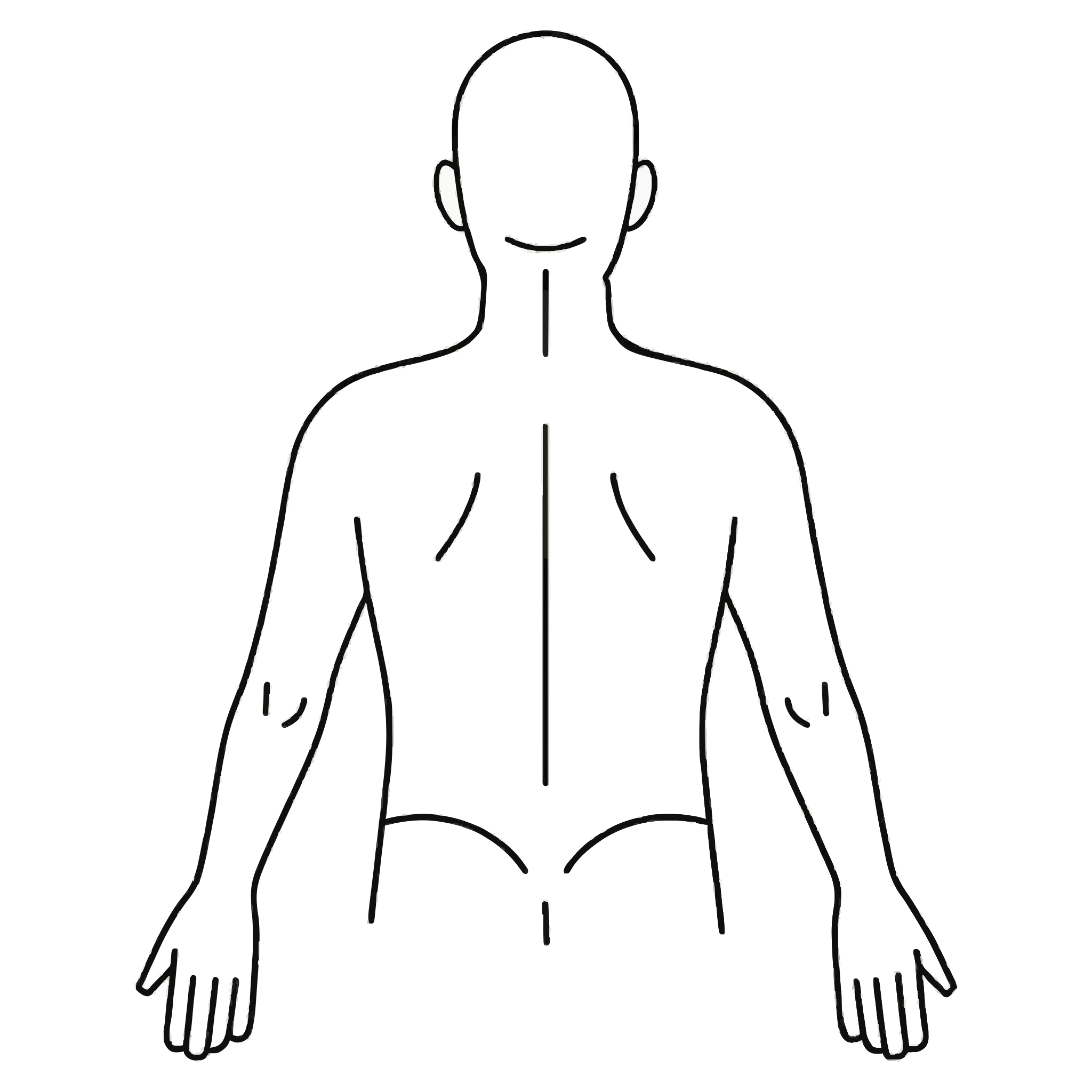
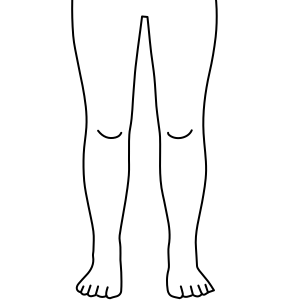
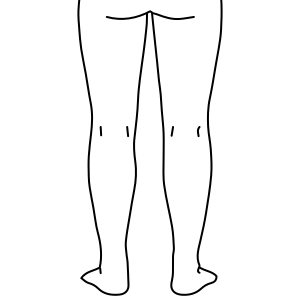
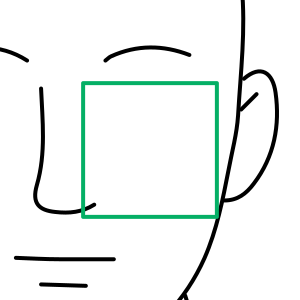
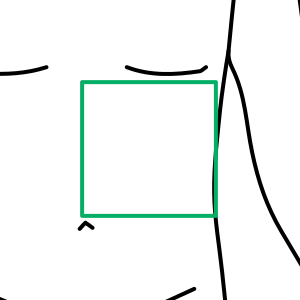
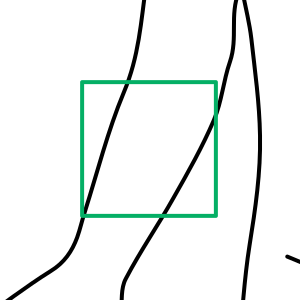
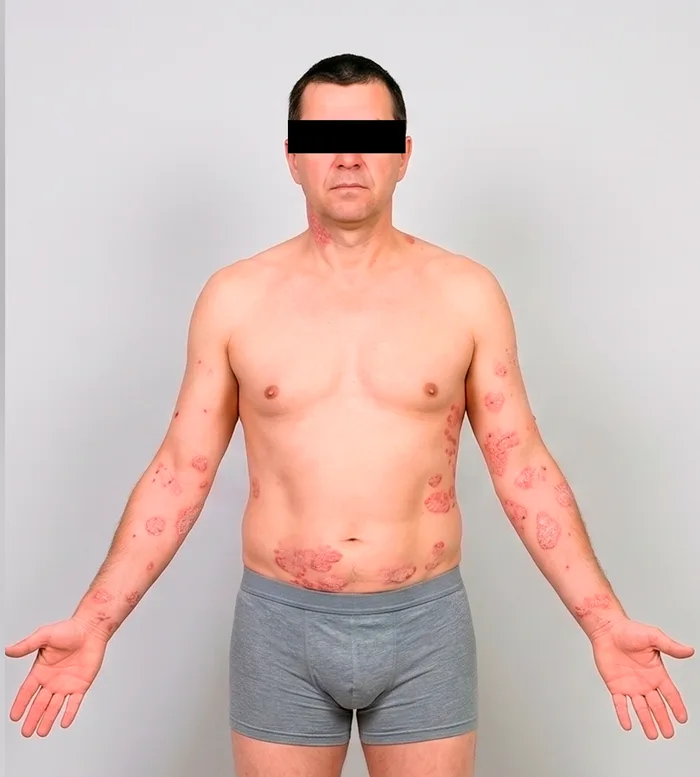
A single capture set serves every scoring system. The default protocol captures 8 images: 4 full-body perspectives for body surface area (BSA) segmentation and 4 close-ups for intensity-sign scoring. The app guides the investigator or patient through each perspective in order, with silhouette guidance and a real-time DIQA quality check before moving to the next.
Perspectives
 ✓
✓ ✓
✓ ✓
✓ ✓
✓Close-ups
 ✓
✓ ✓
✓ ✓
✓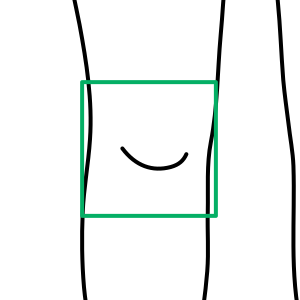 ✓
✓
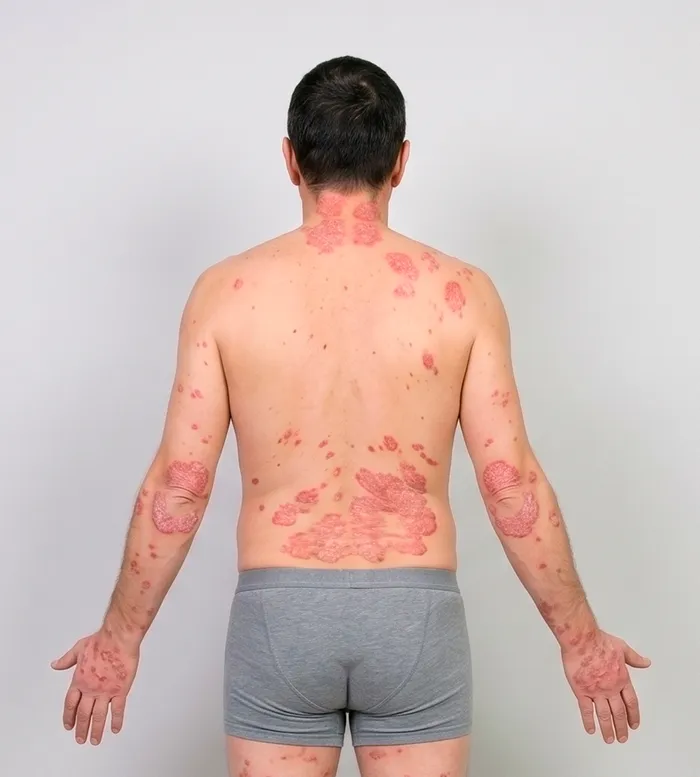
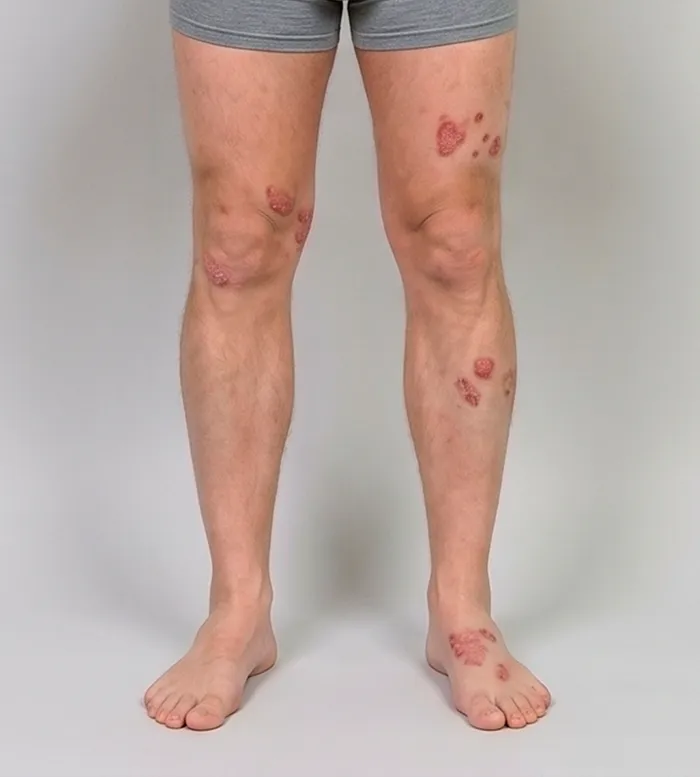
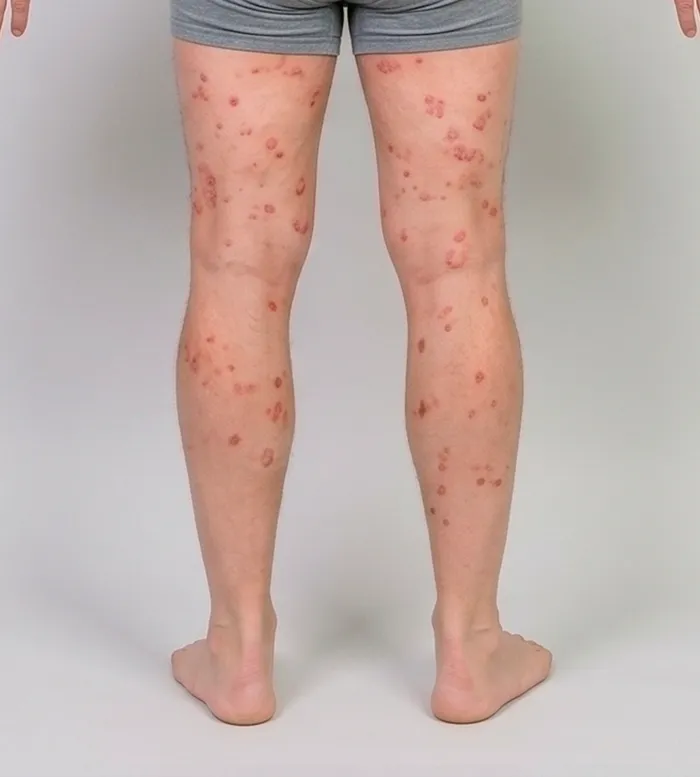
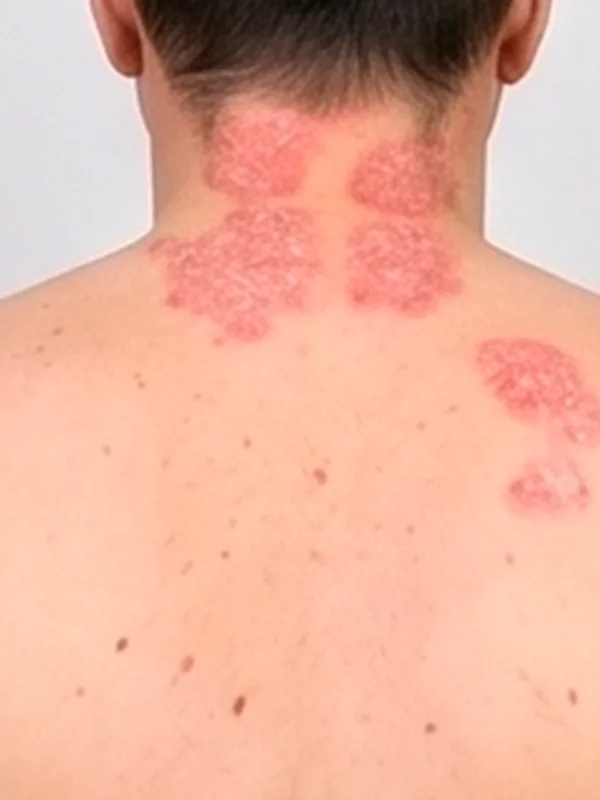
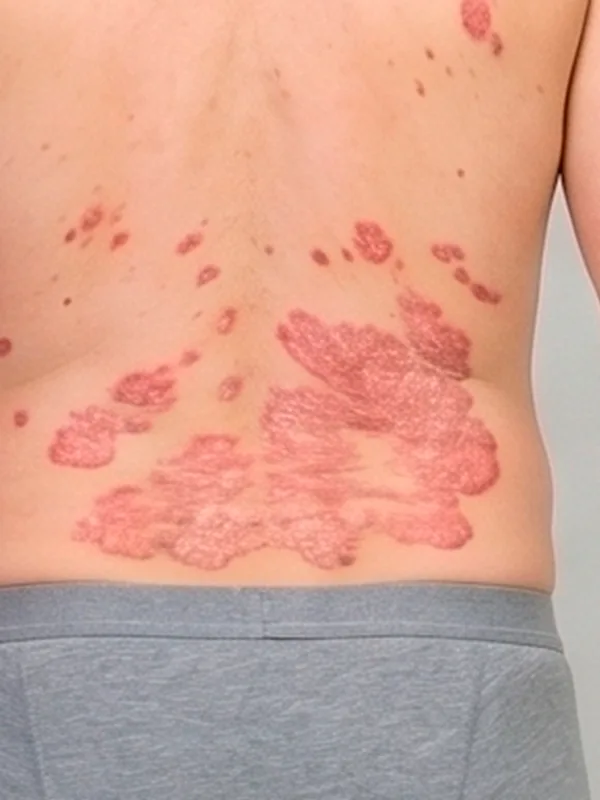
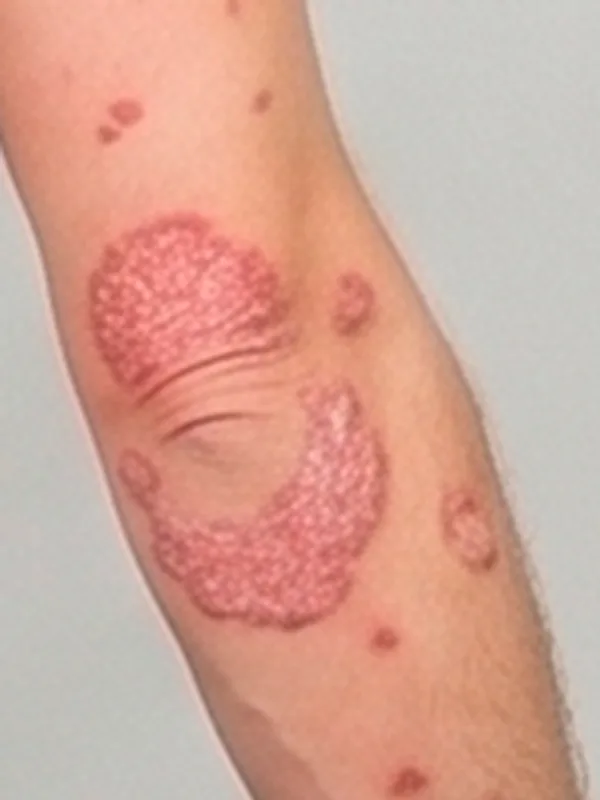
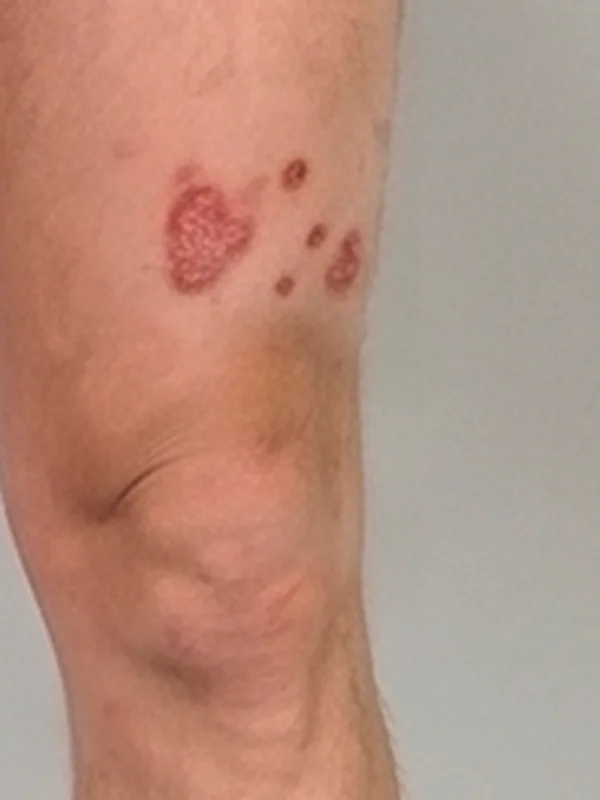
Capture time
The full 8-image protocol (4 perspectives + 4 close-ups) takes approximately 3 to 5 minutes using the guided Legit.Health mobile application.
When a body area shows more than one lesion, the close-up captures the single most significant lesion for that area, meaning the one judged most representative by size and severity at the discretion of the person capturing the image.
Patient preparation
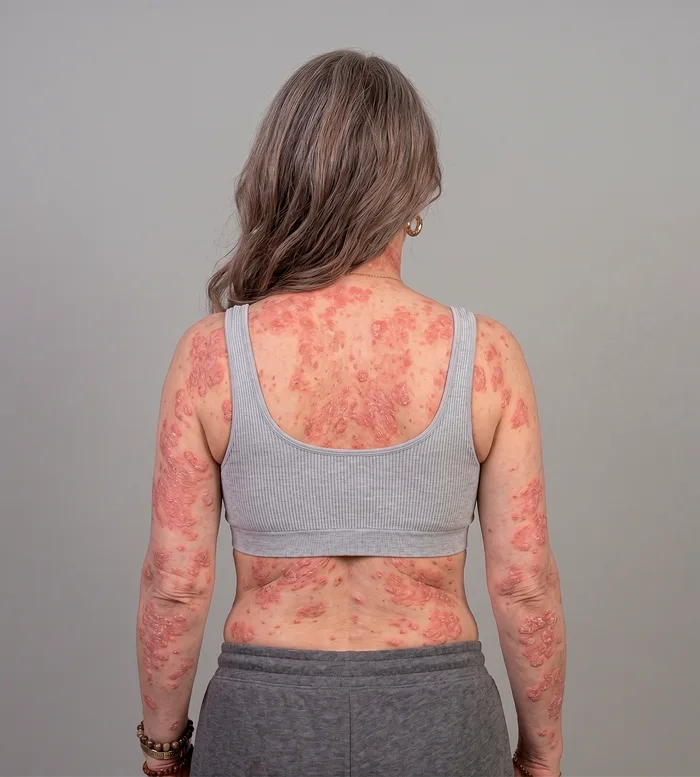
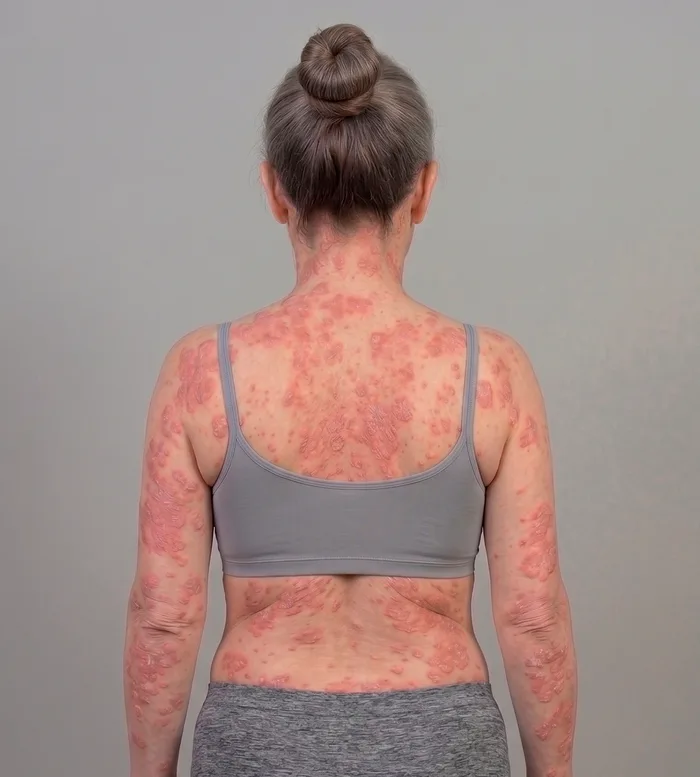
- Remove clothing from the area being photographed
- No moisturiser or topical treatments applied within 2 hours of the visit (unless protocol specifies otherwise)
- Hair pinned back for face and neck assessments
- Remove jewellery from the area being photographed
- Neutral, well-lit background; standard smartphone flash or even natural light
Environmental conditions
- Patient positioning: Seated or standing comfortably, remaining still during capture
- Background: Neutral, non-reflective background to reduce artefacts
- Lighting: Well-lit environment with even illumination. Natural light or smartphone flash can be used. Avoid harsh directional lighting that creates deep shadows.
- Distance: Approximately 30 to 50 cm from camera to skin surface, adjusted per body area
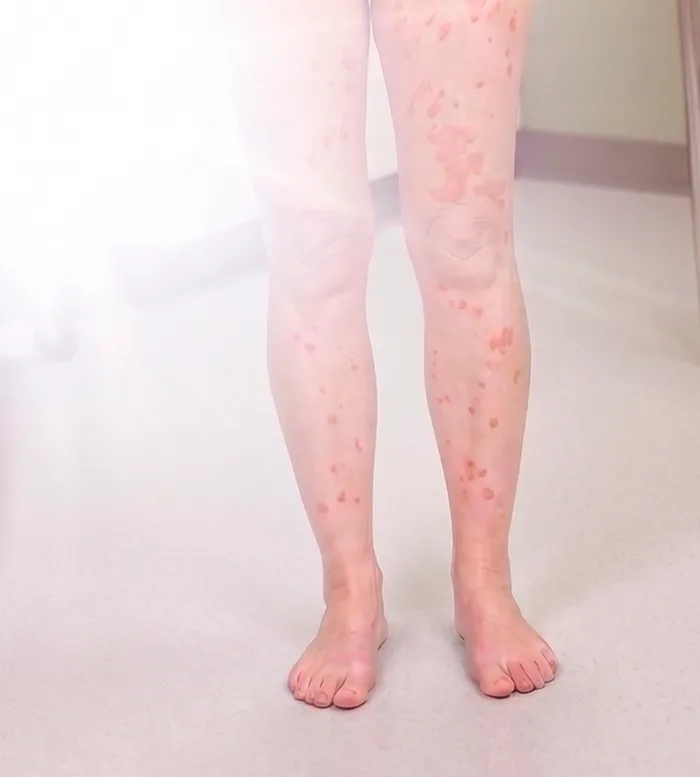
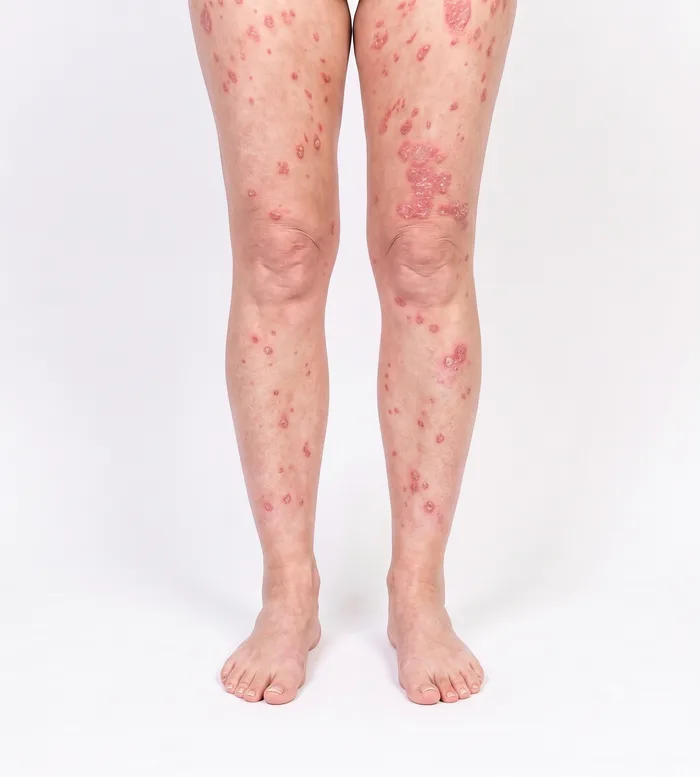
The most important principle is consistency: the same lighting conditions, the same distance, the same angles, and the same patient preparation at every visit. Consistent capture conditions ensure that score changes between visits reflect actual clinical changes, not variations in image acquisition.
Local and global scoring
Because extent (BSA) is measured from the photographs, only the areas that are captured contribute to the score. The scope of the score follows the scope of the capture, and both scopes are valid outputs by design:
- Global EASI and SCORAD: captured from the full standard set. The full-body perspectives give whole-body extent, so the platform reports the whole-body global score.
- Local EASI and SCORAD: when a protocol captures only close-ups of one or more target lesions, without the full-body perspectives, the platform scores the intensity signs on the imaged areas and reports the local EASI or SCORAD for those areas. This is the score of the region photographed, not the whole-body global score.
Local scoring is designed for target-lesion protocols, where the endpoint is the evolution of a defined index lesion rather than whole-body severity. For global endpoints, the standard full-body set is built to cover every clinically relevant area; the DIQA quality gate confirms that all required perspectives are present before submission, and in decentralised trials patient-guided capture provides the same coverage.
Anonymisation
All photographs are anonymised automatically before they are stored or exported. Beyond the face, the system also masks other potentially identifying marks, such as tattoos, so that neither facial features nor distinctive body markings can be used to re-identify the patient.
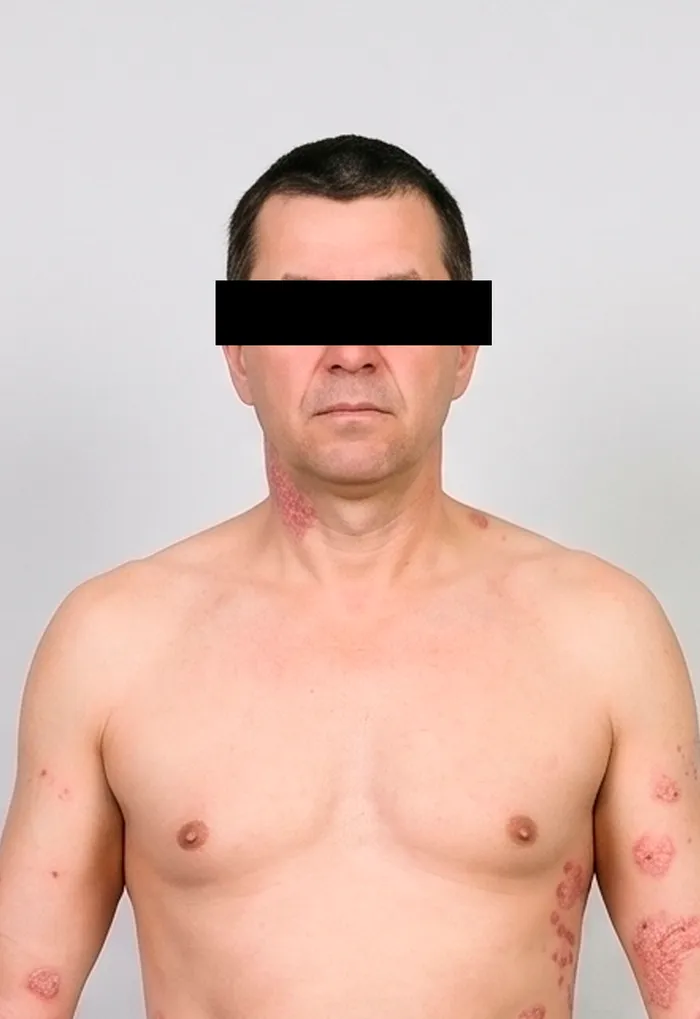
Facial features masked
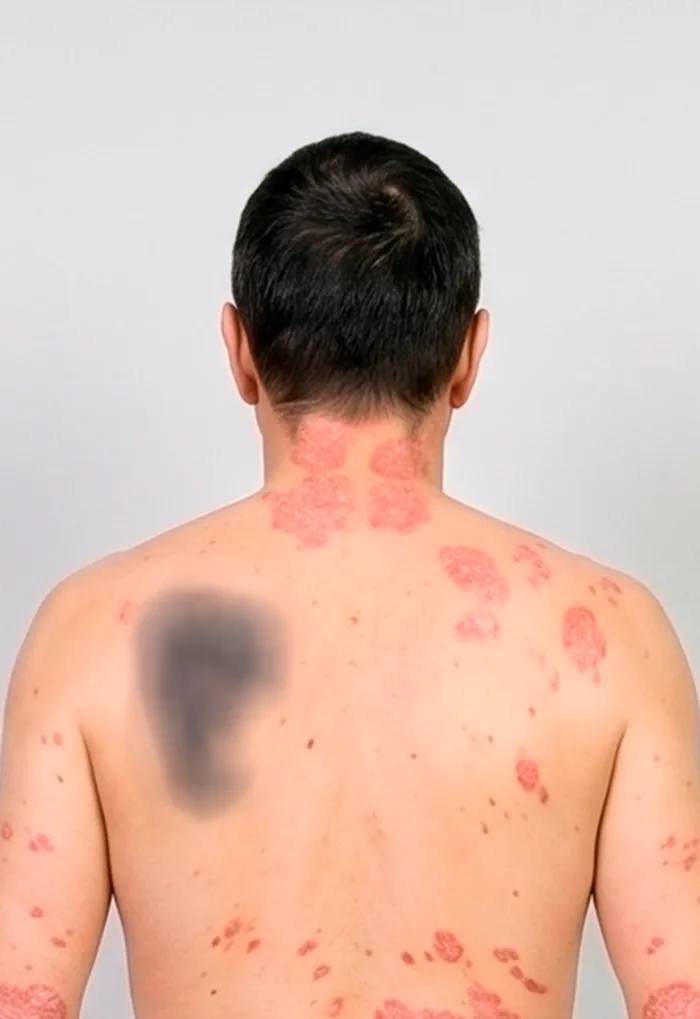
Identifying tattoo blurred