The new clinical practice app
Dermatology AI inside your own system
An interface you embed where your users already work. Set the colours, the typeface and the whole clinical workflow from the URL, and get back a ranked differential and a validated severity score from a single photograph.





Illustrative, not the interface itself. Severity is also scored automatically.
Already using the previous version?
If you arrived here from the application you use today, nothing is being taken away. The new version does the same clinical work from inside the system you already sign in to, so there is no separate application to open and no second password to remember. Your organisation confirms the changeover date with you, and our support team can answer anything in the meantime.
What it is
One embed, and the tool is simply there.
The previous version was a separate application with its own address and its own password. The new one is an interface that lives inside the product your users already have open, which removes the three things that most often stopped people from using it.
No context switch
It opens where the clinician is already working, in the middle of the consultation, rather than in another tab that has to be found and signed into first.
No second login
Your users are already authenticated by your system, so the iframe asks for no credentials, keeps no accounts and needs no patient names or email addresses to do its work.
Nothing to install
An iframe is an ordinary HTML element. There is no package to deploy, no app store review to wait for and no fleet of devices to update when we ship an improvement.
Effort
Light enough to be live this week
These are the estimates published in our integration guide. Because the interface is a URL in an iframe, the work on your side is wiring rather than building.
Configure and embed
Choose your parameters, drop the iframe into your product and watch it come up in your own colours.
Store the result
Save or forward the report to your record system, using either the callback we push or the endpoint you pull from.
Build the clinical workflow
Turn the report into referrals, alerts and follow-up rules that suit how your service actually runs.
Our integrations team stays with you from picking the parameters to wiring up the backend call, so nobody has to work it out alone.
Branding and configuration
Your colours, your typeface, your workflow. All in the URL.
Appearance and behaviour are query parameters rather than a development project. Change a value and the interface changes with it, which is exactly what the console at the top of this page is doing.
https://iframe.legit.health/?embeddedKey=•••&primary=04af65&secondary=8671ff&fontFamily=Roboto&locale=en&isForPatient=0&enableResult=1&showQuestionnairesHeader=1&enableDiagnosisSupport=1&forcedScoringSystems=apasiLocal&enableAnamnesis=0¯oscopicMedia=optional&enableExtendedInstructions=0&enableAlternativeCameraModule=0&companyCallbackUrl=https://…&extraData=eyJ…&enableExtraDataInPdf=0- Repaint the interface in your own palette and set its typeface, so it reads as part of your product rather than as somebody else's tool bolted on.
- Decide which steps a user sees. Diagnostic support, anamnesis questions, capture guidance and context photos are each switched on or off independently.
- Run one configuration for clinicians and another for patients from the same integration, with the questionnaire wording adapting to whoever is answering.
- Attach your own identifiers to a report and route the result to a different endpoint per environment, without touching the embed itself.
Every parameter, with its default and its allowed values, is in the integration guide. Read the customisation reference
Image capture
Guidance you choose, quality the device checks.
An analysis is only as good as the photograph it starts from, and the person taking that photograph is often untrained and in a hurry. The iframe handles both halves of that problem: it tells the user what a good photograph looks like, and it refuses the ones that are not good enough.
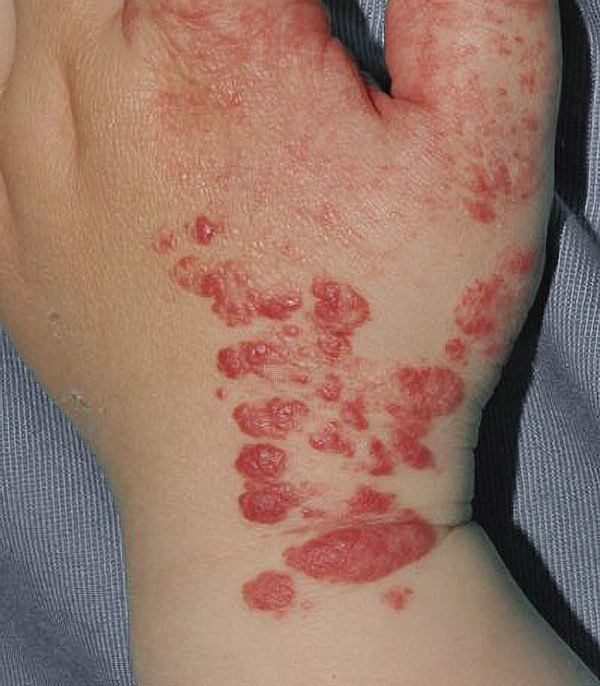
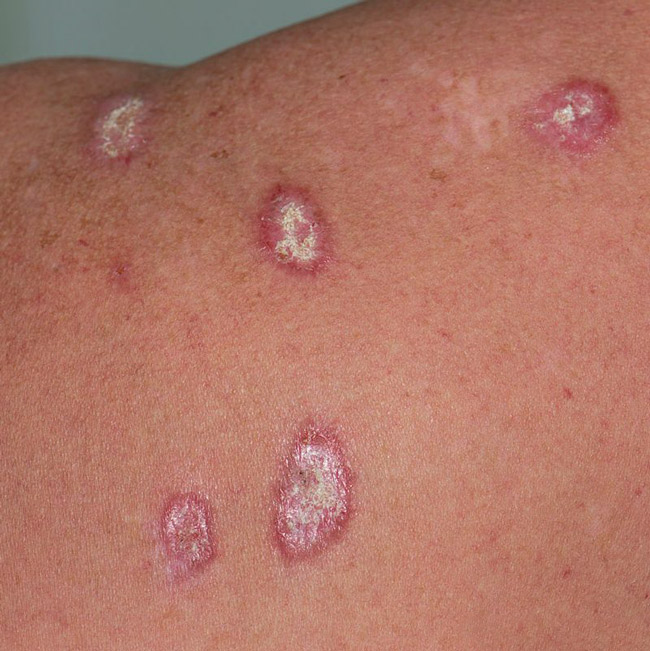
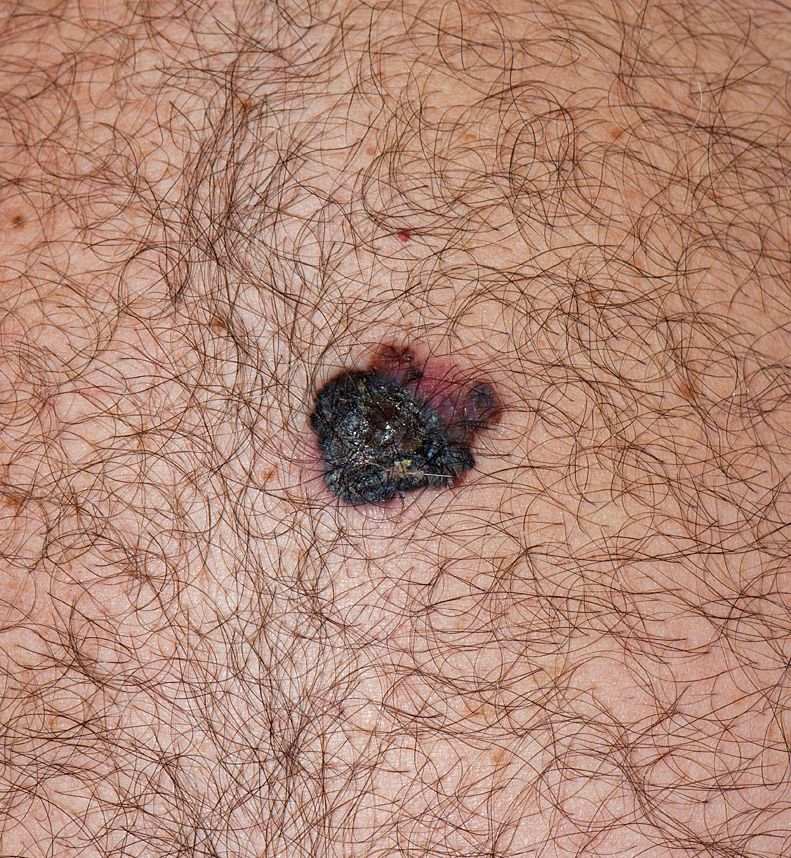
- Show a minimal prompt or the full set of photography best practices, depending on how experienced your users are.
- Every uploaded image is scored for visual quality. Below the threshold the user is asked to correct the problem and take it again, before anything reaches the clinician.
- Ask for a wider context photograph alongside the close-up where the surrounding skin matters, either as an option or as a requirement.
- Several photographs of the same lesion belong to one report and count as a single call to the device.
One workflow
Diagnosis and severity, in the same pass
Most tools answer one question. Identifying the condition and measuring how bad it is are treated as separate products, which in practice means a second upload, a second screen and a calculation somebody does by hand. Here one photograph produces both, and when the condition detected has a validated severity score attached, that score is calculated without anyone asking for it.
- Validated scoring systems across psoriasis, atopic dermatitis, urticaria, hidradenitis suppurativa, acne, alopecia, pressure ulcers and pigmented lesions.
- Pin a specific set of scores so they are always calculated, which is what a monitoring workflow for a known condition needs.
- Or switch the diagnostic step off entirely and measure severity alone, for a patient whose diagnosis is already confirmed and who is being followed over time.
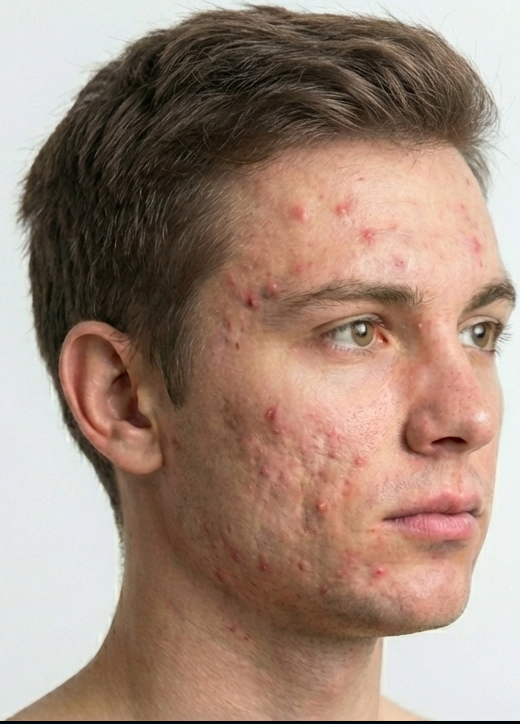 MeasuredPhotograph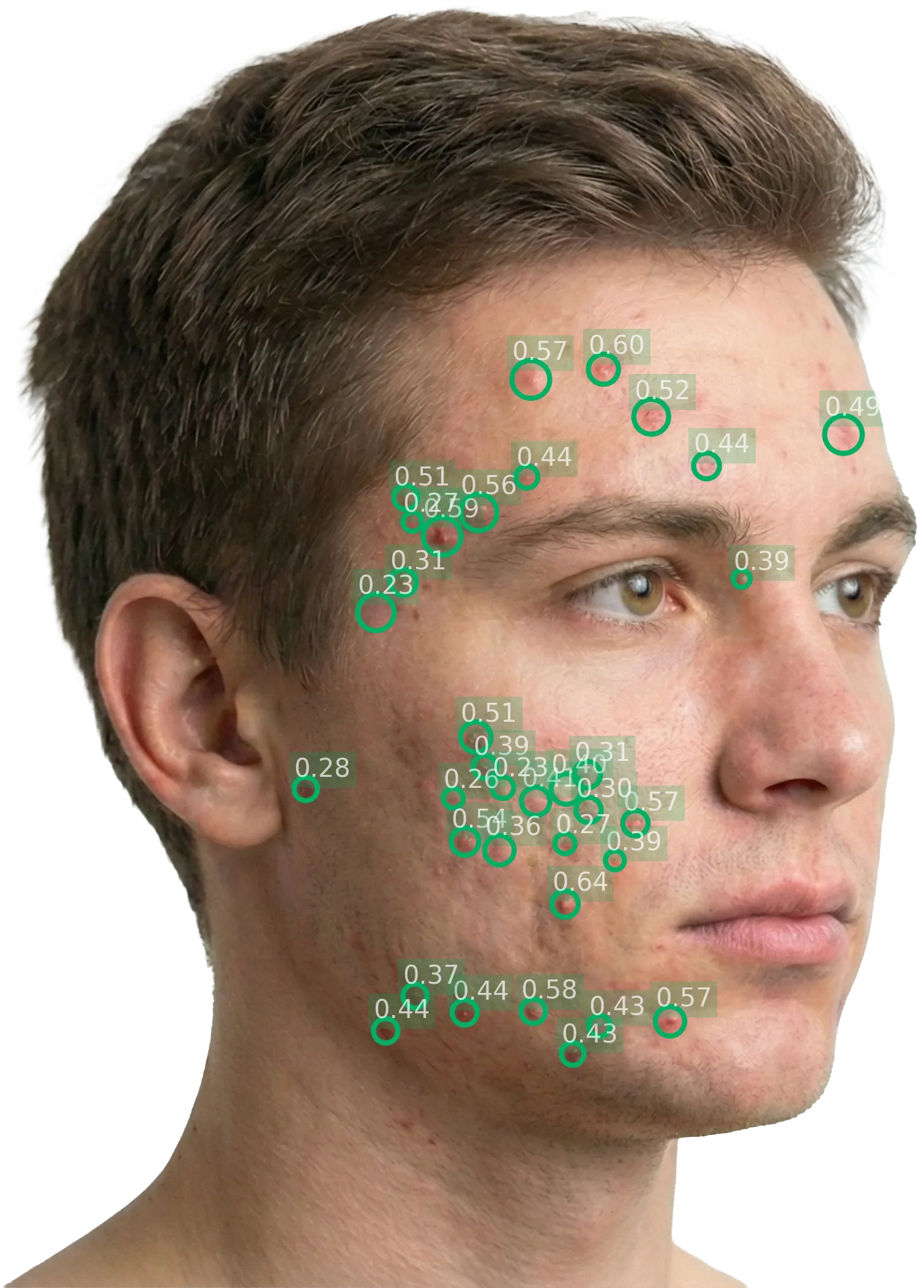
Drag to compare the measurement against the photograph it came from. Lesion detection is one of the visual outputs the device returns with every report.
Illustrative. The device returns a ranked differential with a confidence level for each condition, and calculates the associated validated severity score when one applies.
Into your record
The result lands in your system, in the format it already speaks
An assessment that ends on a screen has to be typed up by somebody. This one does not: the finished report is structured data, and it goes into the patient's record as part of the same encounter. You choose the shape it arrives in with a single query parameter.
- We push the finished report to an endpoint you nominate, or your backend pulls it on demand. Both models can run at once.
- Take it as HL7 FHIR resources and a FHIR-native record files it directly, with conditions and body sites carrying ICD-11 codes alongside our own. Take the flat JSON instead and you need no FHIR tooling at all.
- Your own identifiers travel with the report, so it arrives already keyed to the encounter it belongs to rather than needing to be matched up afterwards.
- Because the values are quantitative, including a malignancy suspicion indicator, you can drive triage and referral rules from the record itself.
{
  "pathology": {
    "name": "Plaque psoriasis",
    "icd11": "EA90.0"
  },
  "bodySite": { "code": "armLeft" },
  "result": {
    "conclusions": [ … ],
    "scoringSystems": [ … ]
  },
  "extraData": { "encounterId": "ABC-123" },
  "pdf": "https://…"
}
The default. A flat shape meant to be read straight into your own tables, with no FHIR tooling needed.
Abbreviated. The full schema of each format is published in the integration guide.
Let's schedulea live demo
Legit.Health is the all-in-one artificial intelligence solution with ultra high performance, exclusive features and clinical backing.